
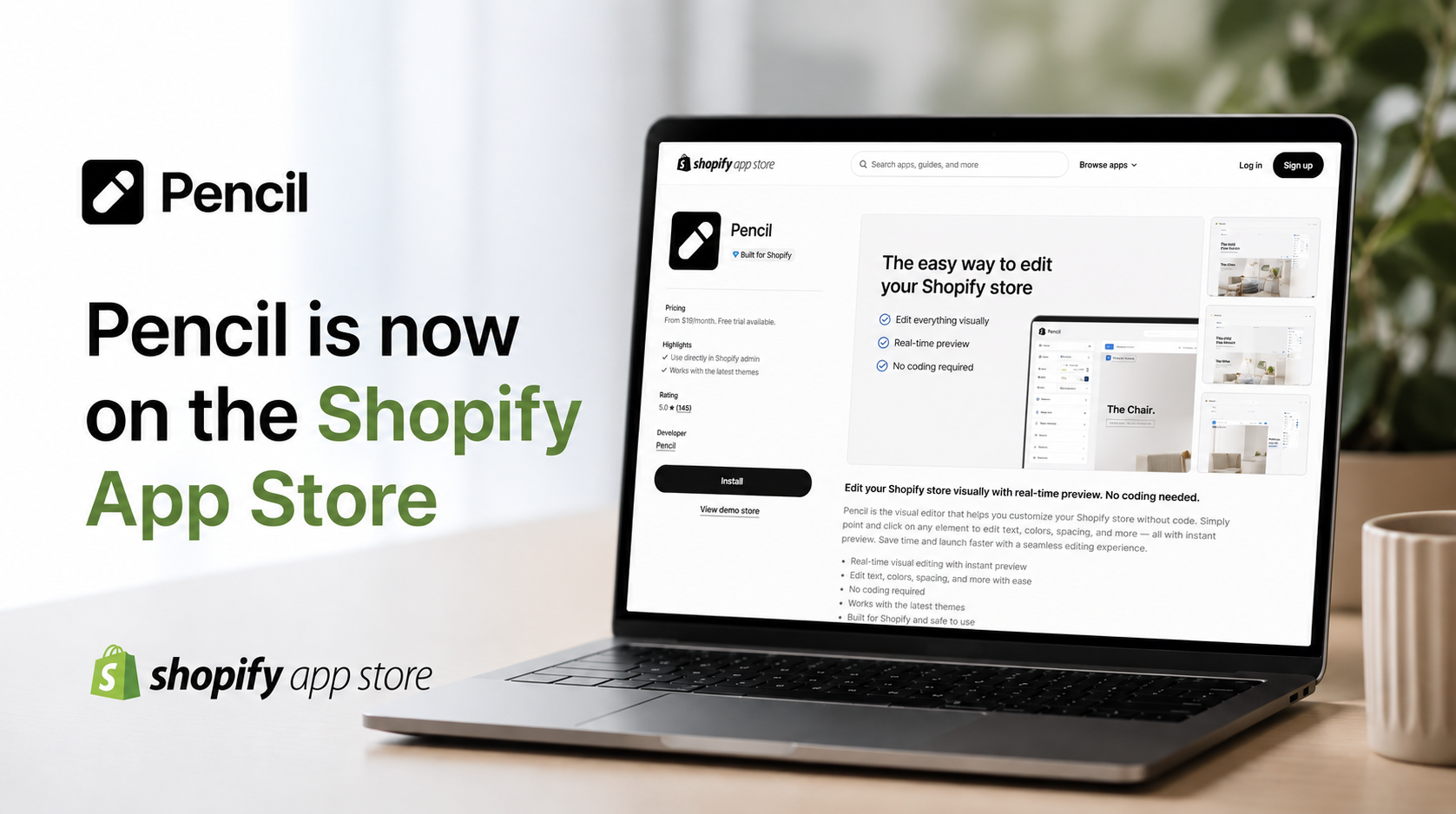
Complete Guide to Installing Pencil Ring Builder via Shopify App Store
Custom jewelry sells, but the technical setup often stops store owners before they start. Between CAD software learning curves, product photography logistics, and manufacturing coordination, launching a ring builder can feel like a project that requires a dedicated team.
Pencil changes that equation. The Shopify app bundles ring builders, pendant builders, and custom design tools into a single installation that takes minutes rather than months. This guide walks through the complete setup process, from finding the app in the Shopify App Store to configuring pricing rules and connecting with manufacturers.
What is Pencil ring builder app for Shopify
Pencil is a 3D parametric ring builder and custom design application available on the Shopify App Store. The platform allows merchants to add interactive jewelry customization tools to their stores, covering rings, pendants, and other jewelry types. With real-time 3D visualization, live pricing updates, and manufacturing-ready file outputs, Pencil handles the technical side of custom jewelry sales. A free trial comes with installation, so you can test everything before deciding.
So what makes Pencil different from a basic product configurator? Most configurators simply swap static images when a customer selects a different option. Pencil, on the other hand, renders actual 3D models in real time. Customers can rotate their design, zoom in on details, and view it from any angle while they're building it. This interactive experience tends to give shoppers more confidence in what they're ordering.
Here's what comes bundled with the app:
- Ring builder: Customers select metals, gemstones, settings, and band styles to create their own ring designs
- Pendant builder: A separate module for customizing pendants, including chain lengths and stone placements
- Custom design tools: Additional capabilities for earrings, bracelets, necklaces, and other jewelry categories
- 3D visualization: Real-time rendering that updates instantly as customers make selections
- Live pricing: Dynamic price calculations based on materials, stones, and design choices
Pencil is used by over 100,000 designers and offers more than five million customization combinations. You don't need CAD training or a technical background to use it—the platform manages all the complexity on the backend.
How to install Pencil jewelry design app from the Shopify App Store
The installation process follows Shopify's standard app workflow. If you've added apps to your store before, this will feel familiar. The whole thing takes about five minutes.
Step 1. Access the Shopify App Store
Start by logging into your Shopify admin dashboard. Click on "Apps" in the left sidebar, then select "Visit Shopify App Store." You can search for "Pencil" in the search bar, or go directly to the listing at apps.shopify.com/pencil-shop.
Step 2. Add the app and authorize permissions
Once you're on the Pencil listing page, click "Add app." Shopify will show you a permissions screen listing what store data Pencil will access—typically product information and order details. After reviewing the permissions, click "Install app" to continue.
Step 3. Complete installation and access your dashboard
After installation finishes, Shopify redirects you to the Pencil dashboard. Your free trial starts automatically at this point, giving you full access to every feature. Spend a few minutes clicking around the interface to get oriented before moving on to configuration.
Key features included with Pencil ring builder app
Rather than installing multiple apps for different functions, Pencil combines everything into one package. Here's a closer look at what each tool does.
Ring designer app tools
The ring builder gives customers control over metal type, stone selection, setting style, and band width. Options typically include gold in various karats and colors, platinum, and silver. For stones, customers can choose center diamonds, side stones, and accent gems.
Every selection triggers an instant update in the 3D viewer. When a customer switches from yellow gold to white gold, for example, the rendered ring changes immediately. This visual feedback helps customers understand exactly what they're designing.
Pendant builder
The pendant builder works similarly to the ring tool but includes chain-specific options. Customers can adjust chain length, select pendant settings, and choose stones while watching their design update in real time. If your store focuses heavily on necklaces and pendants, this tool handles those customizations separately from rings.
Custom design tools
Beyond rings and pendants, Pencil offers design capabilities for other jewelry categories. Earrings, bracelets, and necklaces all get the same 3D visualization and live pricing treatment. This consistency means customers have a similar experience regardless of what type of jewelry they're customizing.
Real-time 3D visualization
The 3D viewer is central to how Pencil works. Designs render instantly as customers make choices, and the viewer supports rotation, zooming, and panning. Customers can examine their creation from any angle before purchasing.
These rendered images also work for marketing. You can use them in product listings, social media posts, or email campaigns without arranging separate photography.
Production-ready CAD file downloads
When a customer finishes a design, Pencil generates CAD files in standard formats like STL. These files contain all the specifications a manufacturer would require—precise measurements, material details, and design geometry. You can download them directly without needing additional software or CAD knowledge.
Interactive 3D product viewers
You can embed 3D viewers on product pages even before customers start customizing. This lets shoppers interact with sample designs, rotating and examining them to see the level of detail available. It's a way to showcase quality before someone commits to the customization process.
How to configure your ring builder settings
After installation, you'll want to adjust the builder to match your specific product offerings. All configuration happens within the Pencil dashboard.
Setting up customer options
The settings panel lets you control which options customers can modify. You might enable certain metal types, specific stone shapes, or particular setting styles based on what you can actually source and manufacture. The interface uses simple toggles to turn options on or off.
Think about your target market when making these choices. A store specializing in engagement rings might offer extensive diamond options with detailed grading information. A fashion jewelry brand might prioritize variety in metals and colored gemstones instead.
Configuring pricing rules for custom designs
Pencil calculates prices dynamically based on what customers select. You set base prices and markup percentages for different materials and components, and the system handles the calculations automatically.
Once configured, prices update in real time as customers build their designs. If someone switches from a 0.5 carat center stone to a 1 carat stone, the displayed price adjusts immediately.
Embedding the ring builder on product pages
Pencil provides embed codes and widgets that work with standard Shopify themes. You can add the ring builder to specific product pages or create dedicated "Design Your Own" landing pages. The embed tools include options for adjusting colors and styling to match your store's look.
Testing your builder on mobile devices
Before launching, preview the ring builder on different screen sizes. Pencil's design is responsive, meaning it adapts to phones and tablets automatically. However, it's worth checking that touch interactions feel smooth and that load times are reasonable on mobile connections. Most jewelry shoppers browse on their phones at some point in the buying process.
How to download CAD files and connect with manufacturers
One of Pencil's more practical features is how it bridges customer design and actual production. The platform generates manufacturing-ready files automatically, so you don't need CAD expertise to fulfill custom orders.
When a customer completes and purchases a design, Pencil creates 3D files containing everything a manufacturer would require. These files include precise measurements, material specifications, and complete design geometry.
You have two main paths for production:
- Download 3D files: Export designs in STL or other standard formats to use with your own production workflow or send to your preferred manufacturer
- Connect with manufacturers: Use Pencil's built-in network to find manufacturing partners who can fulfill orders directly
-
The files Pencil generates don't require cleanup or additional editing. They're ready for production as-is, which eliminates a common source of delays and errors in the custom jewelry workflow.
Tip: If you're new to jewelry manufacturing, Pencil's manufacturer network can help you find reliable partners without the trial and error of vetting vendors on your own.
Pencil free trial and pricing details
Pencil includes a free trial with installation, giving you access to all features while you evaluate the platform. Nothing is locked or limited during the trial period.
After the trial ends, the subscription costs $199 per month. This covers the complete suite: ring builder, pendant builder, custom design tools, CAD file downloads, and 3D product viewers. There are no per-transaction fees or hidden charges.
The flat monthly fee makes cost planning straightforward. You know exactly what you're paying regardless of how many custom designs customers create.
Start selling custom jewelry with Pencil ring builder
Pencil removes many of the traditional barriers to offering custom jewelry. You don't need years of CAD training, expensive software licenses, or pre-existing manufacturing relationships to get started. The platform handles the technical complexity while you focus on your brand and customers.
Whether you're launching a new jewelry business or adding customization to an existing store, Pencil provides the tools to make custom jewelry sales practical. The combination of interactive design, real-time visualization, and production-ready outputs creates a clear path from customer inspiration to finished piece.
Start your free trial or install directly from the Shopify App Store.
Frequently asked questions about installing Pencil ring builder on Shopify
Does Pencil ring builder app work with all Shopify themes?
Pencil integrates with standard Shopify themes without requiring custom code. The embed tools are designed to work across different theme structures. Some stores with heavily customized themes might benefit from minor CSS adjustments to match specific branding, but most installations work out of the box.
How long does it take to set up Pencil jewelry design app on Shopify?
Installation takes about five minutes. Basic configuration—setting up your product options and pricing rules—can typically be completed within an hour or two. The total time depends on how many options you want to offer and how much you want to customize the appearance.
Can I use Pencil for jewelry types other than rings and pendants?
Yes. Pencil includes custom design tools for earrings, bracelets, necklaces, and other jewelry categories. The platform handles various jewelry types, not just rings and pendants.
Do I need CAD experience to use Pencil ring designer app?
No. Pencil's tools are built for users without technical backgrounds. The platform handles CAD file generation automatically, so you don't need to learn specialized software. The interface is designed to be intuitive regardless of your experience level.
Can I connect directly with jewelry manufacturers through Pencil?
Yes. Pencil includes a manufacturer network that lets you find production partners directly through the platform. You can also download 3D files to use with your own manufacturers if you prefer to maintain existing relationships.