
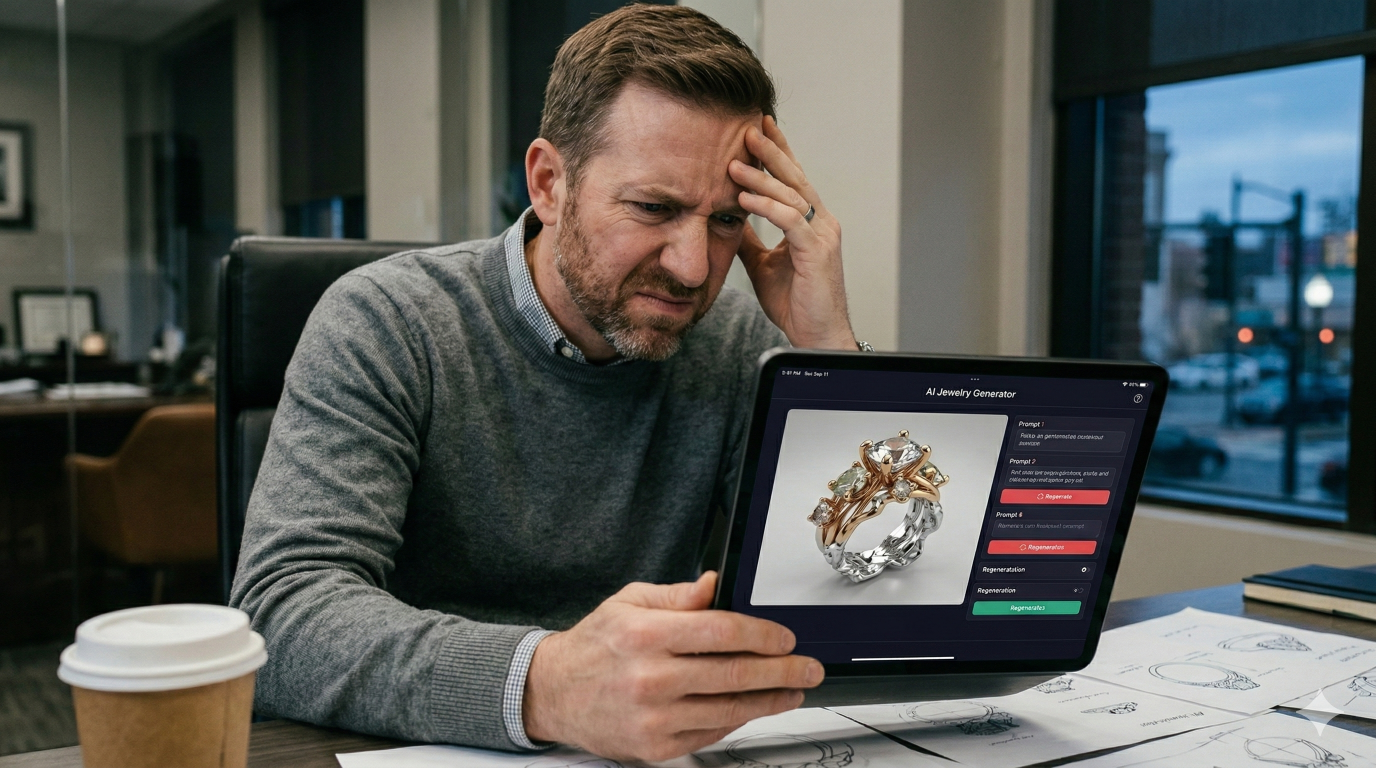
The Frustrating Truth About AI Jewelry Design Tools
AI jewelry image generators promise to turn anyone into a designer, but there's a catch the marketing doesn't mention: these tools work best for people who can already draw. Without strong visual thinking and artistic vocabulary, you're likely to spend hours wrestling with prompts and still end up with images that can't actually be manufactured.
This guide breaks down why AI jewelry tools frustrate non-artists, what these platforms actually produce versus what manufacturing requires, and which alternatives deliver real results without demanding years of artistic training.
Why AI jewelry tools fail non-artists
AI jewelry image generators are built to enhance existing design skills rather than replace them. While marketing often presents these tools as instant design solutions, the reality is different. Getting good results requires mastering prompt engineering—the skill of translating jewelry concepts into precise technical language that AI can interpret correctly.
The core challenge is what we might call the visualization gap. To write an effective prompt, you first have to picture your design with clarity: the exact curve of a shank, how a setting relates to the band width, the angle at which light catches a particular arrangement of facets. Artists develop this mental imagery through years of practice. Without that foundation, you're essentially giving directions to a place you've never visited.
Then there's the vocabulary problem. Specific results require specific language—terms like "bezel setting," "pavé band," "cathedral shank," or "knife-edge profile." If these words aren't part of your working vocabulary, communicating what you actually want becomes difficult. The AI will happily generate something beautiful, but it probably won't match what you had in mind.
This leads to what experienced users call the iteration trap:
- Endless revision cycles: Each failed output doesn't bring you closer to your goal unless you can identify exactly what went wrong and adjust your prompt accordingly.
- Disappearing hours: Time vanishes into cycles of tweaking prompts, generating images, getting wrong results, and tweaking again.
- Growing frustration: The gap between what you imagine and what appears on screen can feel impossible to close.
What AI jewelry design tools actually do
Not all "AI jewelry tools" produce the same type of output. Understanding the different categories helps clarify why certain approaches work better for certain users—and why the distinction matters for anyone hoping to actually manufacture their designs.
AI image generators like Midjourney and DALL-E
General-purpose AI image generators produce stunning 2D visuals. However, these outputs are essentially digital paintings—flat files with no depth data, measurements, or manufacturing specifications. They work well for mood boards and initial inspiration, but they cannot be sent directly to a jeweler or 3D printer for production.
Text-to-image jewelry platforms
Jewelry-specific AI platforms like BLNG AI and Facet Flow are trained on high-quality hand drawn jewelry designs.
If you look closely at their example galleries, you'll notice the best results almost always start from professionally drawn jewelry sketches as input—not simple text prompts.
If you're not already a professionally trained hand-drawn jewelry designer then you'll find BLNG AI and Facet Flow to be incredibly frustrating.
Traditional jewelry CAD software
CAD (Computer-Aided Design) software like RhinoGold or MatrixGold creates the actual 3D production files that manufacturers work from. These programs output formats like STL or STEP files, which contain precise measurements and structural specifications. The tradeoff is significant: CAD software typically requires months of dedicated training and assumes familiarity with technical drawing concepts.
The hidden drawing skills requirement
Even when you aren't physically sketching, visual thinking proves crucial for success with AI image generators. This requirement often goes unmentioned in marketing materials, yet it explains why so many users struggle.
Visual thinking behind effective prompts
Writing accurate prompts requires the ability to mentally visualize proportions, symmetry, and spatial relationships. When you describe a ring as having a "delicate band" or "substantial presence," you're using subjective terms that could mean different things to different people—and to AI. Trained artists understand what specific measurements those words translate to because they've practiced converting mental images into physical marks thousands of times.
Translating ideas without sketching ability
Non-artists often struggle to articulate specific design elements because they lack the visual vocabulary that comes from practice. How wide is the band relative to the center stone? Where exactly do accent stones sit? What angle creates the silhouette you're imagining? Answering these questions accurately in a prompt requires the same spatial reasoning that drawing develops over time.
When you cannot draw what you imagine
This creates a frustrating cycle. You can't sketch a reference for yourself, which means you can't prompt the AI accurately, which results in outputs that miss the mark. Each failed attempt doesn't necessarily teach you what to try next—unless you already have the visual training to analyze why the output differs from your intention.
Why AI jewelry images look great but cannot be made
A significant gap exists between the beautiful pictures AI generates and the technical requirements of actual jewelry production. AI doesn't understand how to engineer jewelry. It has no concept of metal thickness, stone setting mechanics, or weight distribution.
Unrealistic proportions and fantasy details
AI frequently generates impossible geometry: prongs too thin to hold stones securely, bands that would bend under normal wear, or decorative elements so intricate they couldn't survive the casting process. The images look stunning precisely because they're unconstrained by physical reality.
No gemstone settings or structural integrity
Real jewelry requires engineering. Prongs need specific dimensions to grip stones without breaking. Settings need adequate metal mass to withstand daily wear. AI has no awareness of these requirements, so it generates designs where stones appear to float, prongs connect to nothing, or structural gaps would cause immediate failure if someone tried to manufacture the piece.
Missing CAD files and manufacturing specs
AI images are pixels on a screen. They contain no dimensional data, no material specifications, no manufacturing instructions. A jeweler cannot work from a pretty picture alone.
Production requires CAD files with exact measurements, and creating those files from an AI image means hiring a skilled CAD designer to rebuild the entire design from scratch—adding both time and cost to the process.
The real time investment AI tools require
The "faster and easier" marketing promise of AI for jewelry design often proves misleading when you account for the full workflow from idea to finished product.
Prompt refinement alone can consume hours. Many users report dozens of attempts before achieving an image that approximates their original vision. Even then, the result typically requires post-processing—using photo editing software to clean up images, combine elements from different outputs, or extract usable portions.
After that comes the CAD recreation phase. That final AI image, however perfect it looks, still has to be completely rebuilt from scratch in CAD software by a skilled designer. This step alone can cost hundreds of dollars and take days or weeks depending on complexity.
When you add up the time spent prompting, refining, editing, and converting to CAD, the entire process often proves slower and more expensive than learning to use purpose-built design tools from the start. The promise of saving time frequently doesn't hold up once you factor in the complete journey from concept to manufacturable file.
Jewelry design software that works without drawing skills
For non-artists who want real, manufacturable results, alternative approaches exist that don't require artistic training or complex prompt engineering. These tools take different approaches to the design process.
Template-based jewelry configurators
Template-based tools start from professionally designed, production-ready templates. You modify key parameters—stone size, metal type, band width—rather than creating from scratch. The underlying designs have already been engineered for manufacturability, so every variation you create can actually be made. This approach removes the guesswork about whether a design is physically possible.
Parametric design platforms
Parametric platforms use sliders and numerical inputs instead of freehand drawing or complex commands. You adjust values to customize every aspect of a design: increase the band width by 0.5mm, change the prong style, modify the setting height. No artistic ability is required—just decisions about what you prefer. The software handles the technical translation.
All-in-one design to manufacturing solutions
Some platforms combine intuitive design tools with direct manufacturer connections, outputting production-ready CAD files automatically. Pencil takes this approach, offering over five million customization options while handling the technical translation from design to manufacturable file. The platform serves over 90,000 designers because it removes the barriers that make other tools frustrating for non-artists.
How to create manufacturable jewelry designs today
Selecting the right tool for your skill level and goals makes the difference between frustration and success. Here's how different tools match different situations:
- For complete beginners: Template-based configurators offer the gentlest learning curve. You start from pre-built, professionally vetted designs and make them your own through simple modifications.
- For aspiring designers: Parametric platforms provide deep customization without requiring technical drawing skills. You can create original pieces by adjusting parameters rather than drawing.
- For entrepreneurs: All-in-one platforms that connect design directly to production and fulfillment eliminate the gaps where projects typically stall. You can go from idea to sellable product without coordinating between multiple tools and vendors.
Start designing production-ready jewelry in minutes
The frustration many people experience with AI jewelry tools stems from a fundamental mismatch: image generators create pictures, but jewelry businesses require manufacturable products. Pencil bridges this gap by providing professional, production-ready CAD design tools that require no prior experience with complex software—and no drawing ability.
With Pencil, you can design, manufacture, and sell jewelry without ever touching a sketchpad or learning prompt engineering. The platform outputs real CAD files, connects you directly with manufacturers, and generates lifelike product images for your website.
FAQs about AI jewelry design tools
Can AI-generated jewelry images be 3D printed directly?
No. AI images are flat files without depth data or dimensional information. A CAD designer would have to recreate the design as a 3D model before any printing or manufacturing could occur, which adds both time and cost to the process.
Do professional jewelers use AI image generators for production?
Most professionals use AI only for initial mood boards or client presentations during early concept discussions. Actual production work requires CAD software that outputs manufacturable files with precise specifications.
How long does it take to learn traditional jewelry CAD software?
Programs like MatrixGold or RhinoGold typically require months of dedicated training to use proficiently. Parametric design platforms offer a faster alternative, with many users creating their first production-ready designs within minutes rather than months.
What is the difference between AI jewelry images and CAD files?
AI images are flat pictures—pixels on a screen with no dimensional data. CAD files contain precise 3D geometry, exact measurements, material specifications, and manufacturing instructions that allow jewelers and 3D printers to create physical pieces.
Are there jewelry design tools that require no artistic background?
Yes. Parametric and template-based platforms allow users to create production-ready designs by adjusting pre-built components and parameters rather than drawing from scratch. These tools translate your preferences into manufacturable specifications automatically.